
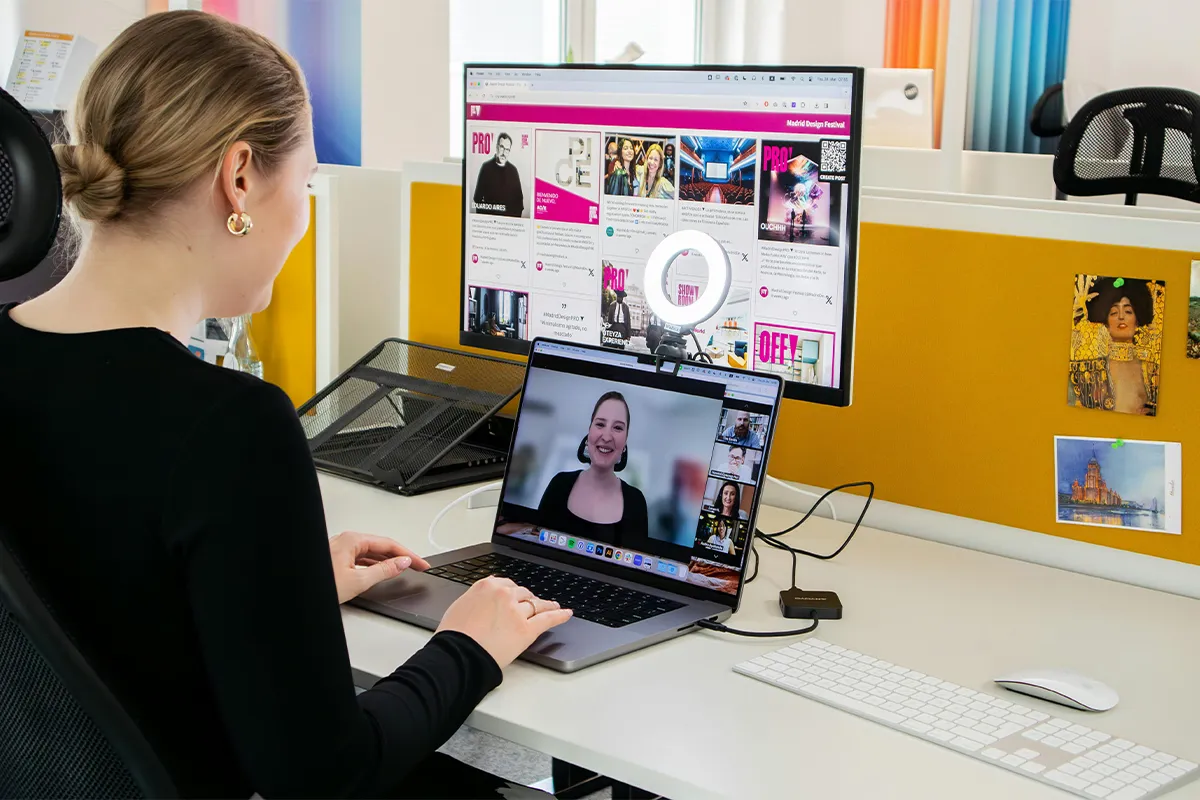
Getting into a meeting is easy, but keeping all the records of that meeting is hard. You have to make notes, pen down important dates, events, and create reminders. Once the notes are ready, it is equally important to make a good summary of them for the presentation and prepare the action items. These are the tasks that take most of your precious time and effort. In this Krisp AI meeting assistant review, you will learn how this tool can help you do all these time-consuming tasks without joining as a bot.
There are a few online AI meeting assistants that enable noise cancellation. Krips is famous for a crystal clear meeting with the help of bidirectional noise cancellation. It means these tools can actively remove noise from the background of both participants.
Most importantly, all the audio transcription is processed on your own local device memory. This makes it the number one choice for the sector’s operation in domains like finance, law, and health care. Real-time transcription conversion, 800+ apps support and easy integration with CRM make it one of the best AI meeting assistants out there in the market.
What Krisp Actually Is in 2026
A lot of people think Krisp is only a tool that removes background noise from calls. This was true when Krisp first came out in 2017. But the product has added many new things since then.
Today, Krisp can do all of this:
- Remove background noise from your calls
- Write down what people say during a meeting
- Make a short summary of the meeting after it ends
- Pull out the action items from the meeting
- Change how your accent sounds while you speak
This set of features makes Krisp a full AI meeting assistant without a bot.
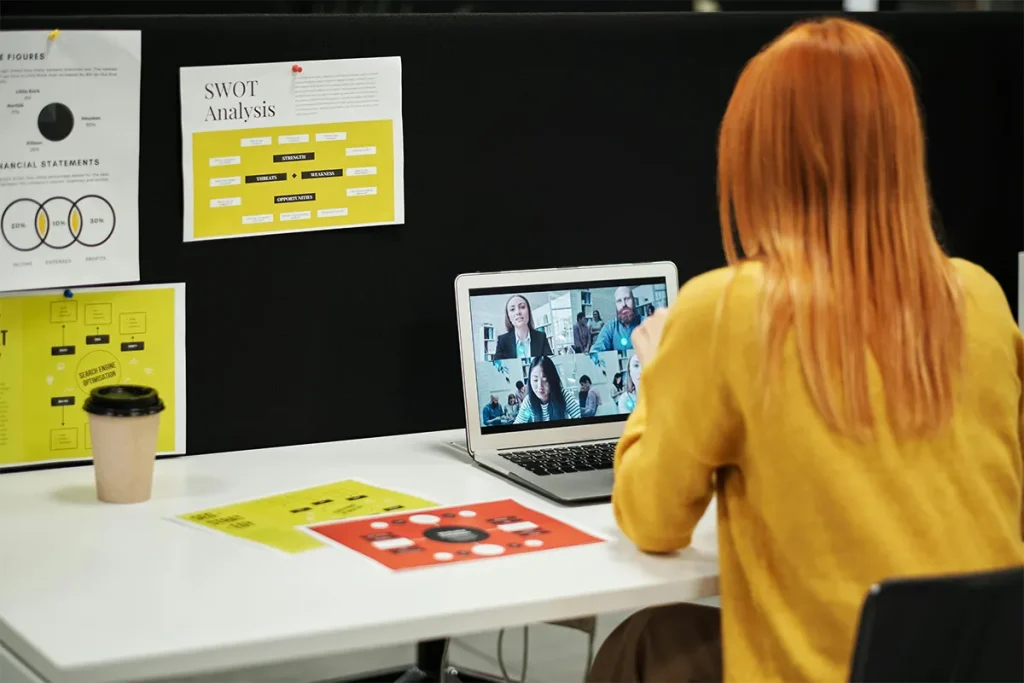
One more thing to know: Krisp has two separate products. One is the meeting assistant. This article is about that one. The other is a tool made for big call centers. If you search for Krisp online and see very high prices, you are looking at the call center product. That is a different thing entirely.
The Bot-Free Advantage: Why It Actually Matters
Most meeting assistant tools work like this: they join your call as a participant. You can see them in the list of people on the call. Everyone else can see them too. This causes some real problems in everyday work situations.
- Client discomfort: Imagine you are talking to a new client. A bot joins the call. The client sees an unknown name. They feel uncomfortable. Asking you to remove it is not a good way to start a meeting.
- Corporate IT blocks: Some companies have rules about who or what can join their meetings. Many of these rules block outside bots. If your client works at one of these companies, a bot-based tool will simply not work.
- Compliance concerns: Some jobs have strict rules about recording. Doctors, lawyers, and financial advisors cannot just record a meeting without following specific rules. A visible bot in the meeting makes this even more complicated.
- The psychological effect: When people see a bot recording them, they change how they talk. Words become more careful. Speaking naturally stops happening. The meeting becomes less productive.
Krisp avoids all of these problems because it never joins the call. Working on your computer like a virtual microphone, Krisp sends clean audio to your video call app like Zoom or Teams. But nothing new appears in the participant list. Nobody knows you are using it. For anyone who regularly needs a meeting assistant for client calls, this makes a very big difference.
Core Features: Honest Assessment
Krisp has several features. Some of them are excellent. Others are still basic. Here is a simple and honest look at each one.
1. Noise cancellation for remote workers:
This is the best thing Krisp does. Noise like dogs barking, cars outside, keyboard sounds, and other voices gets removed very well. Working with more than 800 apps, Krisp needs only one setup and then runs with all of them. On the free plan, you get 60 minutes of noise cancellation for remote workers per day.
2. Bot-free meeting transcription:
Krisp writes down everything people say in the meeting, making it one of the AI meeting assistants that don’t join as a bot for live conversations and client calls. Because the noise is already removed, the words come out very clearly. This makes the bot-free meeting transcription more accurate than what you get from many other tools. Sixteen languages are supported.
3. AI meeting summaries and action items:
After the meeting, you can click a button, and Krisp will write a short summary for you. Action items also get listed automatically. This is helpful. But the feature is quite basic. Changing the format of the summary is not possible. Appearing automatically is also not something it does. You have to ask for it.
4. Real-time accent conversion:
This feature changes how your accent sounds while you are speaking. Moving your accent toward neutral English happens in real time. One company reported 54 percent fewer complaints about language problems after using this feature. But some users say the voice sounds slightly robotic. This feature is still being improved.
5. Recording:
Krisp can record your calls on its own. Pressing record inside Zoom or Teams is not something the host needs to do. Krisp does it separately on your computer.
6. CRM and tool integrations:
Krisp can connect to tools like HubSpot, Salesforce, Slack, and Zapier. But these connections only work on paid plans.
The noise cancellation for remote workers is clearly the best part of Krisp. All the other features work better because of it. The AI meeting summaries and action items are useful for simple daily needs. But if you need more detailed or customized notes, Krisp will feel too simple for you.

Pricing: What Changed and What It Means
Many people are asking about this right now. Here is what the free plan gives you today:
- 60 minutes of noise cancellation per day
- Transcription in multiple languages
- Two AI meeting summaries per day
- A limited meeting history
This is the Krisp free tier 2026 version. Before this, Krisp used to give more for free. Many users on review websites are upset about this change. Giving more free features first and then reducing them is what frustrated so many long-time users. Now, casual users who do not want to pay feel stuck.
The paid Core plan costs $8 per user per month when you pay for a full year. Paying month to month costs $16. All paid plans give you unlimited noise cancellation, unlimited transcription, and unlimited recording. The Advanced plan costs $15 per month on the annual plan. Adding real-time accent conversion, Salesforce connection, a manager view, and 30 GB of storage are what make it different from the Core plan.
Is the Krisp Core plan pricing worth it? If you take three or more important calls every week, yes. Eight dollars per month is not a lot for much better audio quality. But if you only need meeting notes and you do not care about noise, there are cheaper tools out there. For anyone who values local audio processing privacy, Krisp gives you that. Your audio never leaves your computer.
Who Krisp Is Best For and Who Should Look Elsewhere
Krisp is a great tool for some people. For others, it is not the right fit. Here is a simple way to think about it.
Krisp is a great fit for you if:
Working from home with noise around you is your situation. Taking calls with clients without a bot appearing in the meeting is important to you. Jobs like healthcare or law, where recording rules are strict, are your field. Keeping your audio on your own computer for privacy is a priority. Getting the best noise cancellation for remote workers available is what you need.
Krisp is not a great fit for you if:
A completely free tool with no daily limits is what you need. Custom note templates from day one are important to your team. Using your phone for most meetings is your habit because the mobile features are limited. Building your own integrations with a public API is something you need because Krisp does not have one.
Krisp vs the Main Alternatives
When people look for the best bot-free AI meeting assistants, they usually compare a few options at the same time. This Krisp AI meeting assistant review would not be complete without a simple comparison. Here is how Krisp compares to the most popular alternatives.
- Otter.ai: It costs less than Krisp and is very popular and easy to use. But sending a bot into your meeting is how it works. Cleaning your audio before transcribing is also not something it does. This means the transcription is sometimes less accurate. A good choice it is if you are on a budget and your workspace is quiet.
- Fireflies: The tool has a better free plan and connects to more tools. But using a bot is the only way it works. If your client’s company blocks outside bots, Fireflies will not work at all. For teams that need strong CRM connections and bots are not a problem, Fireflies is a solid choice.
- tl;dv: It is very good for watching recordings of past meetings. Going to a specific moment in the video and adding a comment is something it handles very well. Sales teams use it a lot for coaching. But joining meetings through a bot is how it works, too. Reviewing old calls rather than taking notes in sensitive live meetings is where tl;dv performs best.

- Fathom: The company has a very generous free plan and makes clean and simple meeting notes. A completely free tool with no daily limits is what Fathom offers. But noise cancellation is something Fathom does not have. If your space is noisy, this will be a problem.
In this Krisp vs Otter Fireflies comparison, Krisp wins on audio quality and privacy. The other tools win on free plan generosity and integrations.
Krisp vs the Main Alternatives: Quick Comparison
When you are looking for the right meeting assistant tool, comparing your options side by side makes the decision much easier. Here is a simple and honest comparison of Krisp against the four tools that most buyers look at at the same time.
Conclusion
Krisp is one of the best meeting assistant tools you can use in 2026 if audio quality and privacy are important to you. The noise cancellation for remote workers is excellent. The accuracy of the bot-free meeting transcription improves directly because of it. The AI meeting summaries and action items also become more reliable with cleaner audio. Because no bot ever joins your meeting, using Krisp as a meeting assistant for client calls will not make anyone uncomfortable. The Krisp Core plan pricing of $8 per month is fair for what you get. With local audio processing privacy, your audio always stays on your own computer.
The one thing that stops some people from choosing Krisp is the free plan change. The old free plan was better, and many users are still upset about losing it. This is a fair concern. At the same time, background noise has been shown to reduce work performance and increase stress for people working in shared or open spaces, which makes clean audio a practical need rather than just a nice-to-have feature. But taking several important calls every week makes $8 per month a small amount for a much better experience. A free tool working well for you is possible if your space is quiet and free is your only option. But for the best AI meeting assistant without a bot that also gives you great audio quality, Krisp is the right answer in 2026.
FAQs: Krisp AI Meeting Assistant Review
Q1: Does Krisp work without joining the meeting as a bot?
A: Yes. Krisp never appears in your meeting as a participant. Working on your computer as a virtual microphone is how it operates. Nobody in the meeting can see it.
Q2: Is Krisp free to use in 2026?
A: Yes, there is a free plan. But daily limits apply. You get 60 minutes of noise cancellation per day and two AI meeting summaries and action items per day. For unlimited use, you need to pay.
Q3: Does Krisp work with Google Meet, Zoom, and Microsoft Teams?
A: Yes. More than 800 apps are supported, including Zoom, Teams, and Google Meet. Setting it up one time is all you need, and then it works with all of them.
Q4: Is my audio data private with Krisp?
A: Yes. Processing your audio happens on your own computer. Sending your audio to another server is something Krisp never does. This is what local audio processing privacy means. One of the biggest advantages Krisp has over other tools is exactly this.
Q5: How does Krisp compare to Otter or Fireflies for note-taking quality?
A: In the Krisp vs Otter Fireflies comparison, Krisp usually gives more accurate transcriptions. Cleaning the audio first is why Krisp performs better here. Otter and Fireflies transcribe the audio as it is, including any background noise. But both tools have more generous free plans and more integration options.

Haroon writes about Windows optimization and PC tools. He covers how to clean up Windows, remove the clutter, and make your computer feel more powerful again.